Easiest Way to Find and Fix Unreal Performance Issues
Faster, simpler profiling. Automated daily performance checks with no CI pipeline.
Want this?
144FPS
Not this
 Your Team
+
No Profiling
=
12FPS
In the past, you had to
 Great Graphics Programmer
+
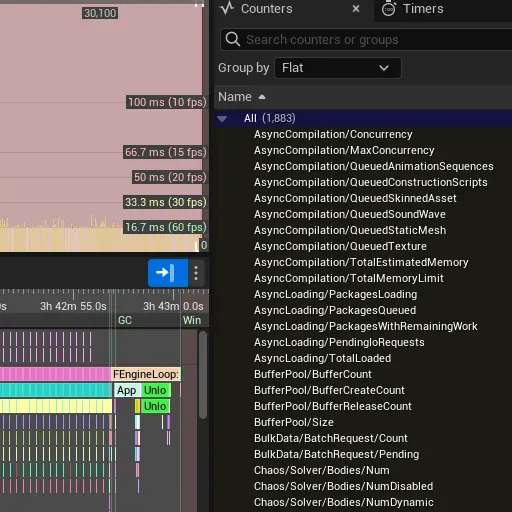
=
144FPS
Now you can just
 Artist / Gameplay Programmer
+
FPS Fish
=
144FPS
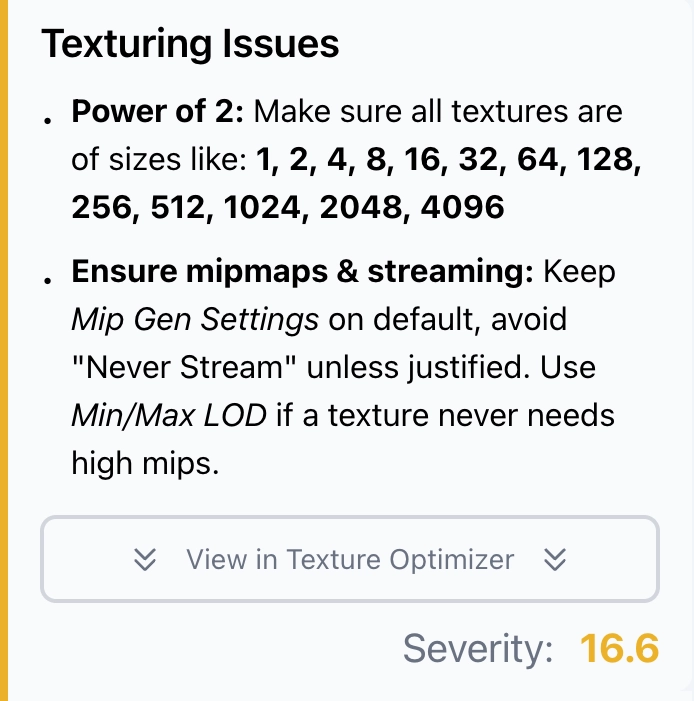
Give Your Team a Clear Picture of What's Slow
Simpler profiler with easy-to-follow instructions.
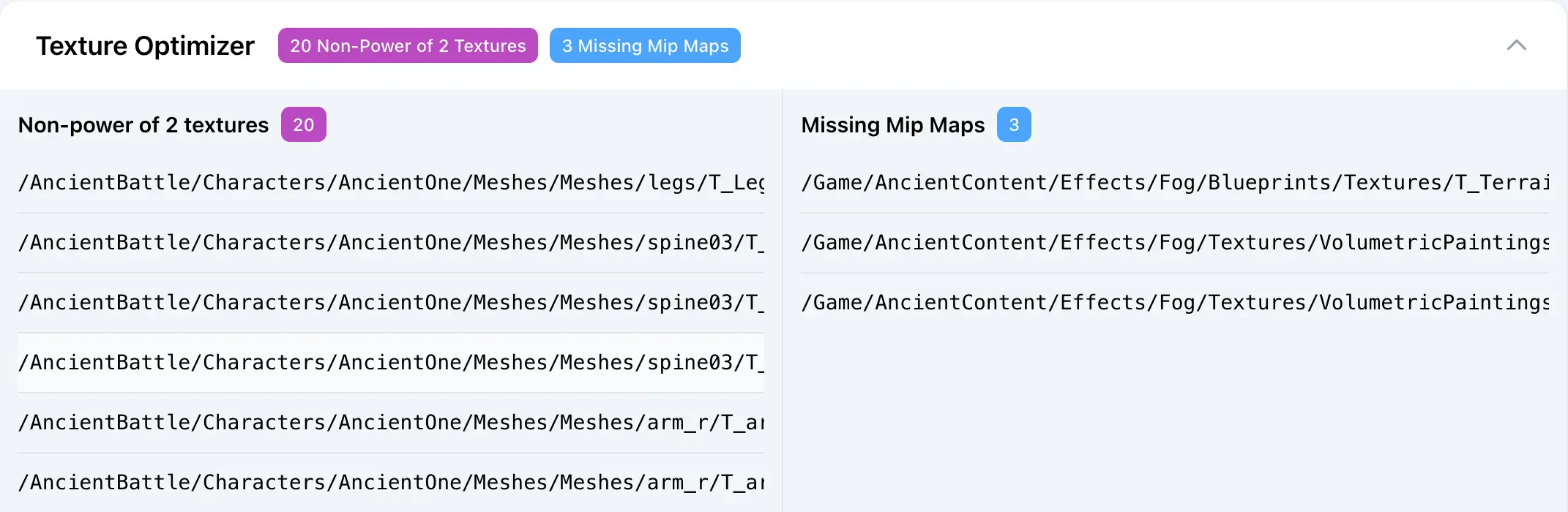
See Exactly What to Fix
Showing specific problematic assets.
Get More FPS in 3 steps
Improve your game's performance with a simple profiling workflow.
Install the Plugin Get Started in Under 2 Minutes. Just drag & drop plugin files into your Unreal Engine project.
Profile Your Game With the Click of a ButtonYou can also use fish.start console command.
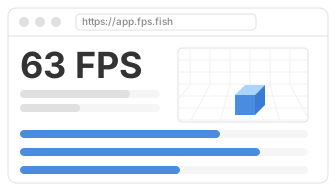
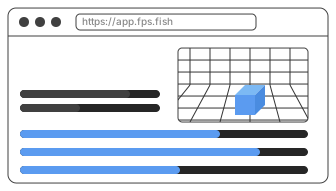
Instructions Appear in the Web DashboardReceive clear, actionable performance recommendations for your specific scene.